
How to Use CruiseCast Before Your Next Sailing
If you’re new to CruiseCast, here’s a quick walkthrough of how the app is meant to fit into your cruise planning, from the moment you

Type "weather" into any app and you'll get a forecast for one place. That works fine for a weekend trip. It works less well for a cruise, where you might wake up in Miami, spend a sea day in open water, and step ashore in Cozumel three days later—each with a different sky entirely.
Checking the weather for an entire cruise itinerary means thinking in days and destinations, not just a single city. Here's a practical way to approach it.
Before you open a weather app, pull up your actual day-by-day itinerary: which ports you'll visit, which days are sea days, and roughly when you'll be in each place. This becomes the framework for everything else. A forecast is only useful once you know which day and location it needs to answer for.
Port days are usually easier to research, since you can look up conditions for a named city or island. Sea days are trickier—you're checking conditions for open water along a route, which general weather apps rarely organize well. Look for whichever conditions matter most to you on a sea day: wind, swell, and general sky conditions tend to affect comfort on deck more than temperature alone.
Weather information for a cruise several months out is necessarily different from weather information for a cruise next week. Farther out, you're mostly looking at historical patterns and seasonal norms—useful for deciding what to pack in general. As your sail date gets closer, more current forecasts become available and the picture gets more specific.
A practical habit: check your itinerary's weather once when you first book (for general planning), once about a month out (to start shaping your packing list), and once in the final week before sailing (to make last-minute adjustments).
The most common frustration with cruise weather isn't a lack of information—it's that the information lives in five different places: a weather app for the embarkation port, another search for each destination, a cruise forum thread about "what it's really like this time of year," and your own notes. CruiseCast was built to pull that together around your actual itinerary, so you can see day-by-day conditions for your specific sailing in one place instead of researching each stop separately.
However you check it, remember that any cruise forecast—especially weeks or months out—is a planning guide, not a guarantee. Conditions can shift, and it's worth a final check as your departure date gets close.
Find your cruise in CruiseCast and see your itinerary day by day.

If you’re new to CruiseCast, here’s a quick walkthrough of how the app is meant to fit into your cruise planning, from the moment you

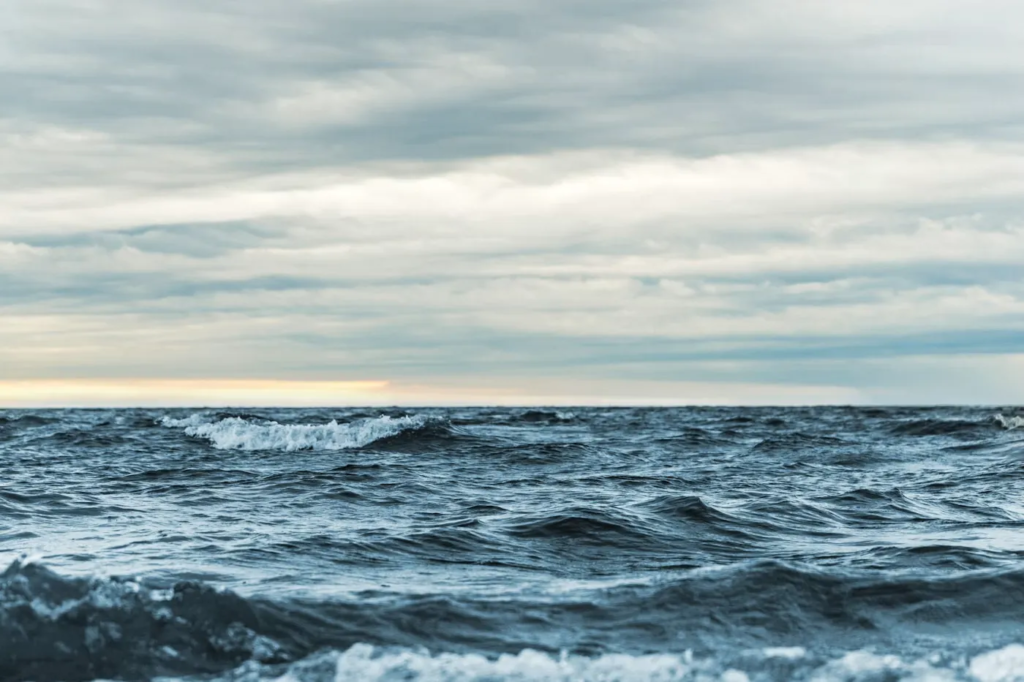
At almost every port, cruisers face some version of the same decision: book an excursion through the cruise line, arrange an independent tour, or explore
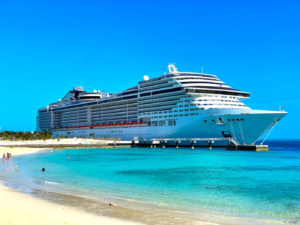
Port days get most of the attention when travelers think about cruise weather—understandably, since that’s when you’re off the ship and out in a destination.