How to Use CruiseCast Before Your Next Sailing
If you’re new to CruiseCast, here’s a quick walkthrough of how the app is meant to fit into your cruise planning, from the moment you

You've done your research on a port—read about the best beach, picked a restaurant for lunch, mapped out a walk through town. Then you arrive to find two other ships already docked, and suddenly the destination you researched feels a little different in person. Here's what tends to change on a multi-ship day, and how to adjust.
Destinations tend to feel busiest close to the port itself. A short walk or a quick ride further out—a less central beach, a smaller town nearby, a quieter trail—can feel noticeably calmer even on a day when the main port area is full. If your goal is a relaxed day rather than a specific landmark, giving yourself some flexibility on where you go can make more of a difference than what time you leave the ship.
Remember: a busier port day doesn't have to mean a disappointing one—it usually just means a little more flexibility pays off. Most ports can comfortably absorb more visitors than it first appears, especially once you move a few blocks from the docks.
This is exactly the kind of context CruiseCast's Port Crowd Monitor is meant to add to your planning—a heads-up on days that may be busier, so you can adjust before you're ashore rather than after.
Find your cruise in CruiseCast and see your itinerary day by day.

If you’re new to CruiseCast, here’s a quick walkthrough of how the app is meant to fit into your cruise planning, from the moment you

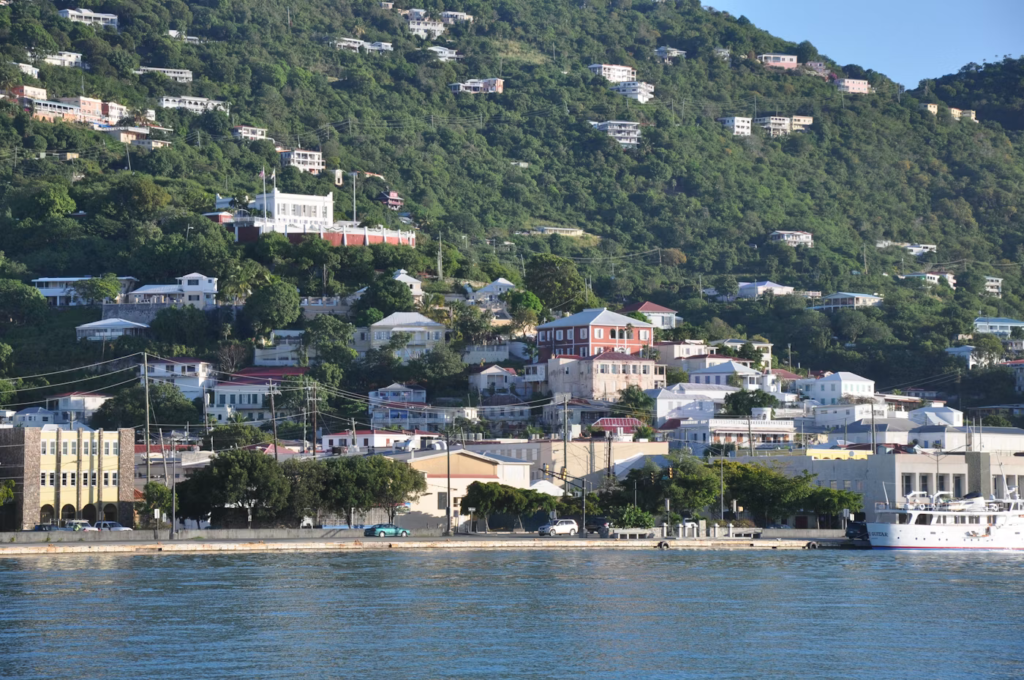
At almost every port, cruisers face some version of the same decision: book an excursion through the cruise line, arrange an independent tour, or explore
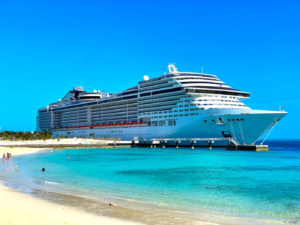
Port days get most of the attention when travelers think about cruise weather—understandably, since that’s when you’re off the ship and out in a destination.